How to Get a Second Phone Number: 5 Ways Compared (2026)
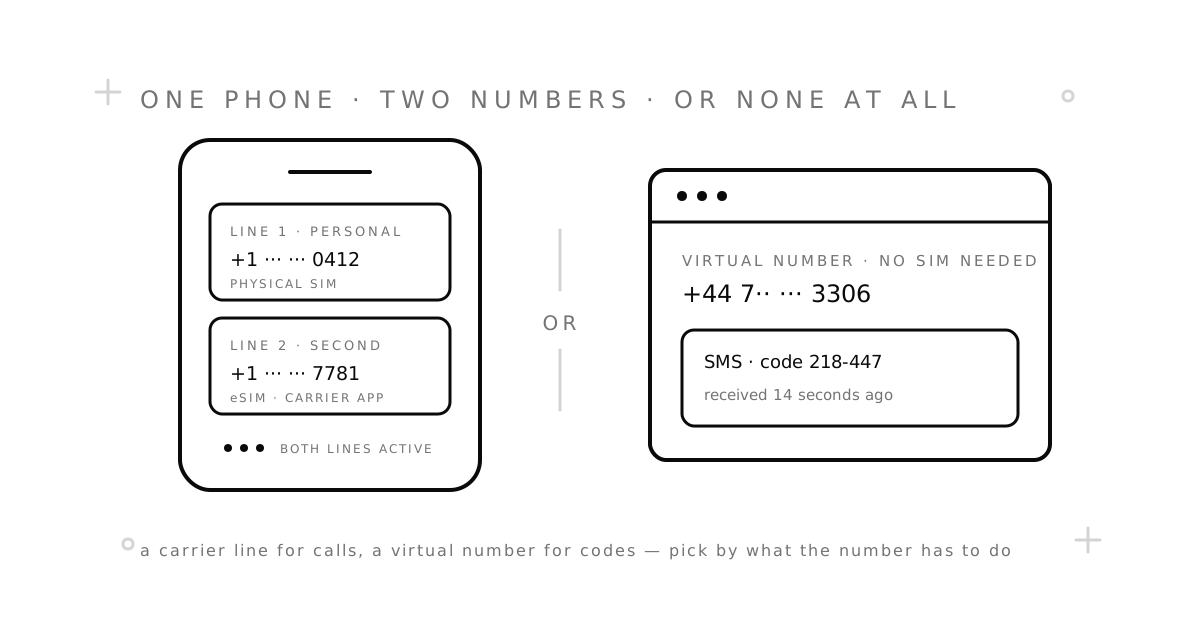
There are five real ways to get a second phone number, and they are not interchangeable. Some give you a line you can talk on for years. Some give you a number for exactly one text message. Picking the wrong one means paying a monthly plan for a job that needed a single code — or trying to run a business line on a number that vanishes after an hour.
This guide lays out all five, what each costs, and what each is good at. If you only read one section, make it “How to choose.”
The short answer
- You want to make and take calls on it. Get an eSIM or prepaid SIM from a carrier, or a second-number app if you can live with its limits.
- You only need it to receive a verification code. A one-time virtual number. It is the cheapest option by a wide margin.
- You need login codes for a few weeks. A rental virtual number: the same number stays yours for days or weeks.
- You need a number from another country. A virtual number from that country, unless you can physically get a local SIM.
Method 1: A second line from your carrier (eSIM or dual SIM)
Most phones sold in the last few years can hold two lines at once: a physical SIM plus an eSIM, or two eSIMs. Your carrier, or any carrier, can sell you a second line that lives next to your main one. Calls and texts to both numbers ring the same phone, and you choose which line sends each message.
- Good for: a business line, a number to give strangers, keeping work and personal calls apart.
- Cost: a second monthly plan. Some carriers sell add-on lines cheaper than a full plan; some do not.
- Verification: passes every check. It is an ordinary mobile number.
- Catch: in many countries the carrier needs your ID, so the line is tied to you by name. It is separate, not anonymous.
On iPhone: Settings → Cellular → Add eSIM, then scan the carrier’s QR code or use its app. On Android: Settings → Network & internet → SIMs → Add eSIM. Both let you label each line and set which one is the default for calls and data.
Method 2: A prepaid SIM you keep alive
The low-tech version of method 1. Buy a cheap prepaid SIM, put it in the second slot, and top it up just often enough to stop the number expiring. Many people run a second number this way for years for the price of a coffee every few months.
- Good for: a stable second number on a budget, a local number while travelling.
- Cost: pay as you go. The main risk is forgetting to top up and losing the number.
- Verification: passes every check.
- Catch: you need to be in the country to buy it, and often show ID. Our virtual number vs. second SIM comparison goes deeper on when a SIM is worth the hassle.
Method 3: A second-number app
Google Voice, TextNow, Burner, Hushed, and dozens of similar apps give you a number that runs over the internet. You call and text from the app, over Wi-Fi or data. Some are free with ads; most charge a few dollars a month for a clean experience.
- Good for: a throwaway number for dating apps or marketplaces, a cheap line for a side project, calling from abroad.
- Cost: free to a small monthly fee.
- Verification: hit and miss. These are VoIP numbers, and many apps — WhatsApp, Telegram, Google, most banks — recognise the ranges and refuse them. Our VoIP vs. non-VoIP guide explains why.
- Catch: free tiers often reclaim the number if you go quiet for a few weeks. Google Voice is US-only and needs an existing US number to set up. We compared the options in our Google Voice alternatives and TextNow alternatives guides.
Method 4: A one-time virtual number
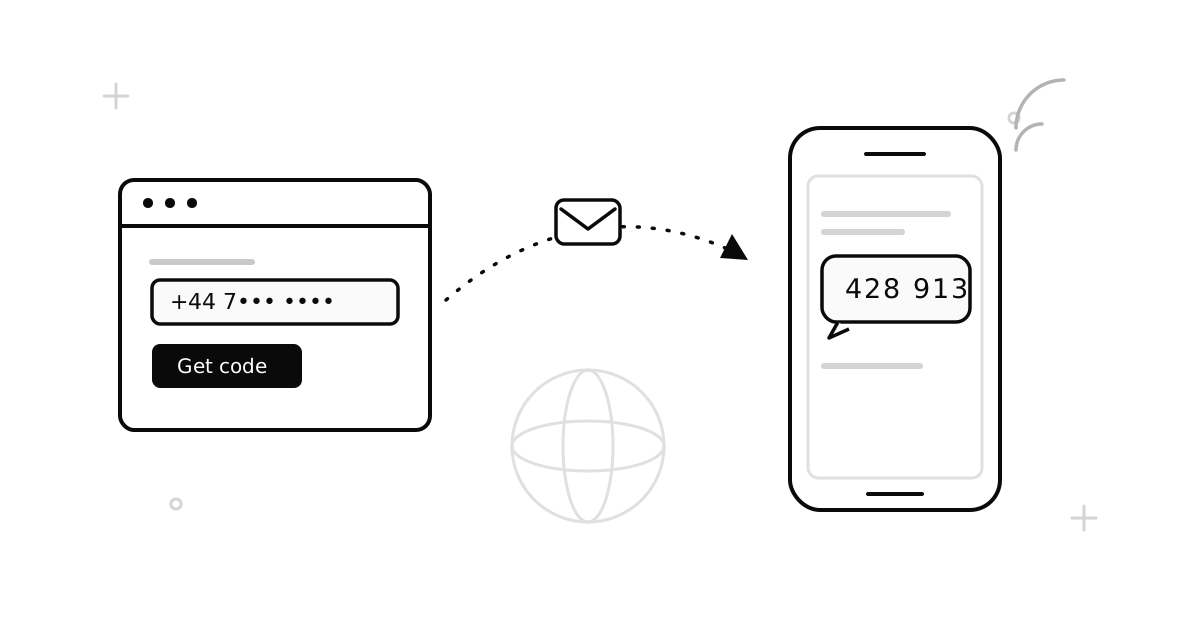
This is the option most people do not know exists. You pick a service and a country, get a number in your browser within seconds, use it to receive one SMS code, and let it go. No app, no SIM, no monthly fee. On SMSZ you pay only when the code arrives — no code, no charge.
- Good for: signing up for an app without giving it your real number, testing a service, getting a number from a country you are not in.
- Cost: a small price per received code, shown before you order.
- Verification: that is the whole point. Numbers are on real mobile networks. Some apps still reject some ranges, and when that happens you switch country and are not charged.
- Catch: it cannot make or take calls, and it is gone after the code. If the app texts you a login code next month, that code has nowhere to arrive. Set up an authenticator app or recovery email on any account you keep.
Method 5: A rental virtual number
The same idea as method 4, but the number stays yours for a set period — days or weeks. Every SMS sent to it during that time appears in your dashboard. It is the middle ground between a throwaway number and a carrier line.
- Good for: an account that will send you login codes for a while, a marketplace listing that runs for a month, one number shared across several signups.
- Cost: priced per day or week, more than a single code and far less than a carrier plan.
- Verification: same as one-time numbers.
- Catch: still SMS only. And when the rental ends, the number goes back into the pool, so move anything important off it before then.
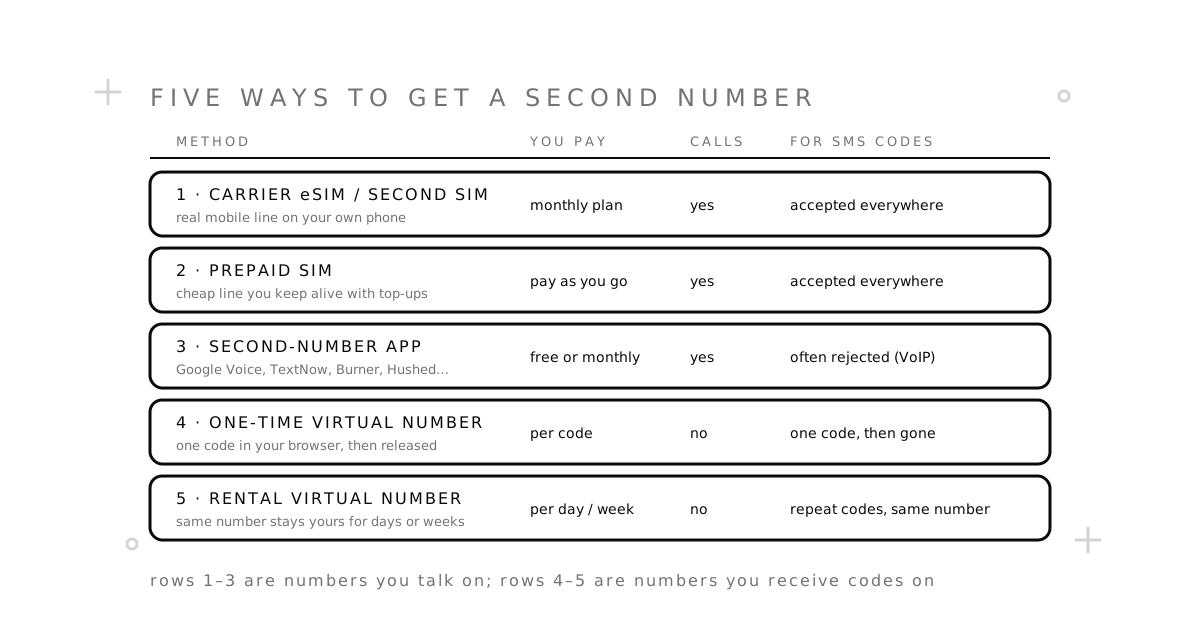
Side by side
| Method | Calls | Verification codes | How long it lasts | You pay |
|---|---|---|---|---|
| Carrier eSIM / dual SIM | Yes | Always accepted | As long as you pay | Monthly plan |
| Prepaid SIM | Yes | Always accepted | Until you stop topping up | Pay as you go |
| Second-number app | Yes | Often rejected | While the app is active | Free or monthly |
| One-time virtual number | No | Designed for it | One code | Per code |
| Rental virtual number | No | Designed for it | Days to weeks | Per day or week |
How to choose
Ask yourself what the number has to do. Then match it to a row above.
- “People need to call me on it.” Carrier line or prepaid SIM. A second-number app if the calls are casual and you are fine with Wi-Fi quality.
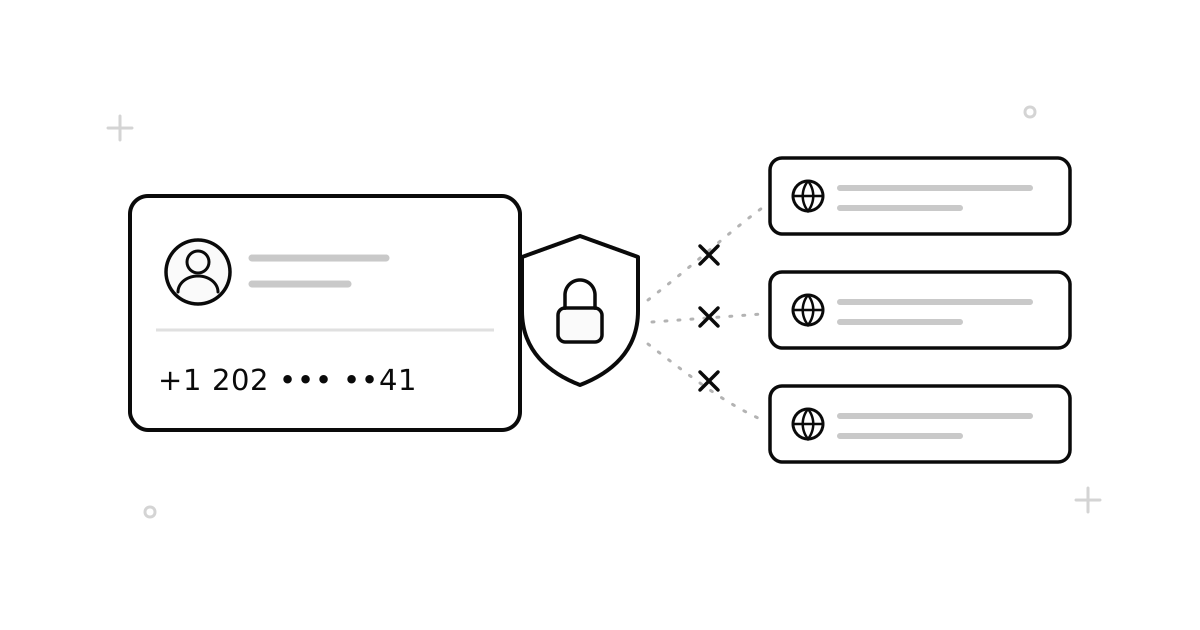
- “I just do not want to give this app my real number.” One-time virtual number. Then lock the account with an authenticator app so it never needs the number again.
- “I am selling something for a month.” Rental virtual number for the listing. Buyers text it, you read the messages in your browser, and it disappears when the sale is done.
- “I need a number from another country.” Virtual number from the country list. Nothing else gets you a foreign number in under a minute.
- “It has to be free.” A free second-number app, with the caveats above. Stay away from free public numbers for anything you plan to keep: everyone can read the inbox. Our free vs. paid comparison spells out the trade.
Getting a virtual second number in three steps
- Pick the service you are signing up for (or a general-purpose number) and a country.
- Order. The number appears in your dashboard immediately, with the price shown first. Choose a one-time number for a single code or a rental for a longer job.
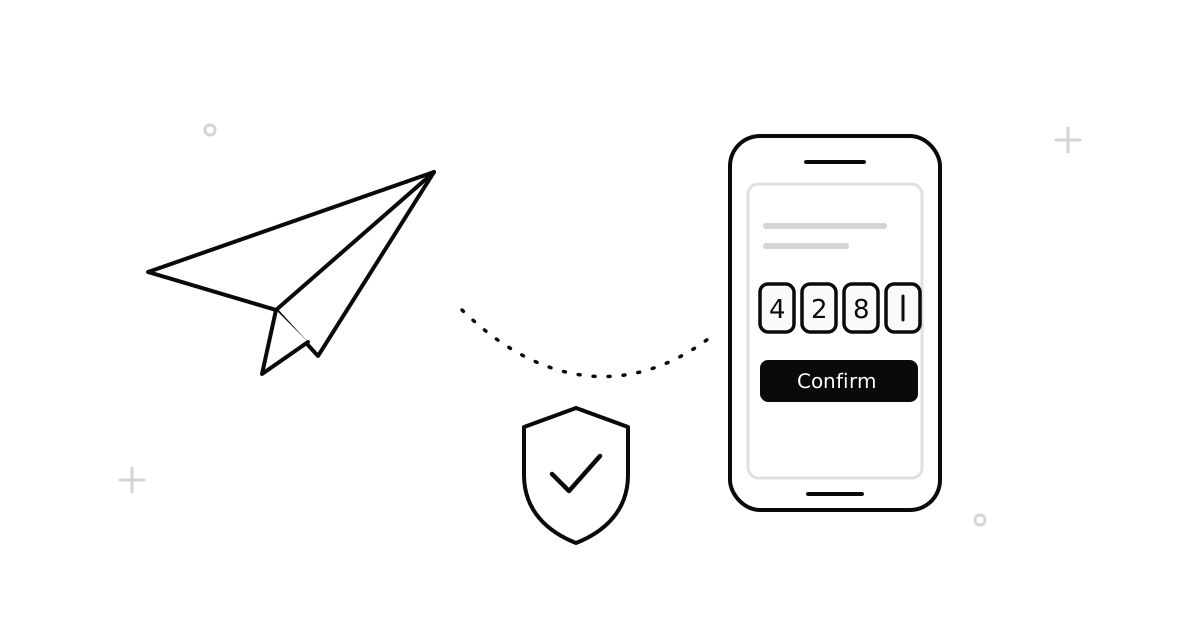
- Type the number into the app. The SMS shows up in your dashboard, usually within a minute. Enter the code and you are done.
Our how it works page walks through each step, and the temporary phone number guide covers the basics if this is new to you.
Common questions
Can I have two phone numbers on one phone?
Yes. Any dual-SIM or eSIM-capable phone can hold two carrier lines. On top of that, you can run as many app-based or virtual numbers as you like, because they live in apps and browsers rather than in the SIM tray.
How do I get a second phone number for free?
A free second-number app is the only real free option. Expect ads, occasional number recycling, and rejections when you try to verify with it. There is no free way to get a number that passes every verification check.
Will a second number work for WhatsApp?
A carrier line always will. A virtual number on a real mobile network usually will; app-based VoIP numbers often will not. Our WhatsApp guide has the step-by-step and the settings to change right after signup.
Can I keep the same virtual number long-term?
With a rental, for the length of the rental. After that it returns to the pool. If you need a number for years, a prepaid SIM or a carrier line is the right home for it.
Is a second phone number anonymous?
No. It is private from the people and apps you give it to, which is the point. Carriers and providers still know who bought it. Treat it as a separate identity, not an invisible one.
Ready to get a number? Browse services or countries, or read how SMSZ works first.