How to Verify Telegram Without Your Personal Phone Number
Telegram asks for a phone number for every new account. There is no email signup. That is a problem if you want a second account, or if you simply do not want strangers to find you by your number.
The good news: Telegram accepts most virtual numbers, and the whole thing takes about two minutes. Here is the honest step-by-step guide — including the parts other guides skip.
Step by step
- Get a number for Telegram. Open the Telegram page on SMSZ, pick a country, and buy a number. It appears in your dashboard right away.
- Start the Telegram signup. In the Telegram app or on web.telegram.org, choose the same country and type the number exactly as shown.
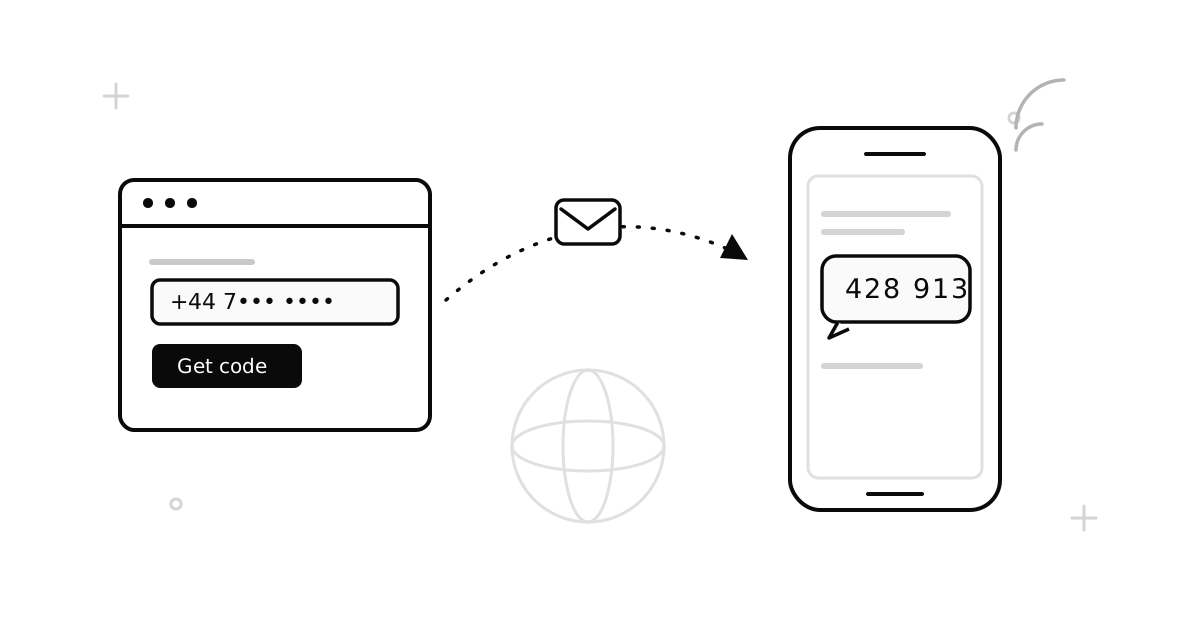
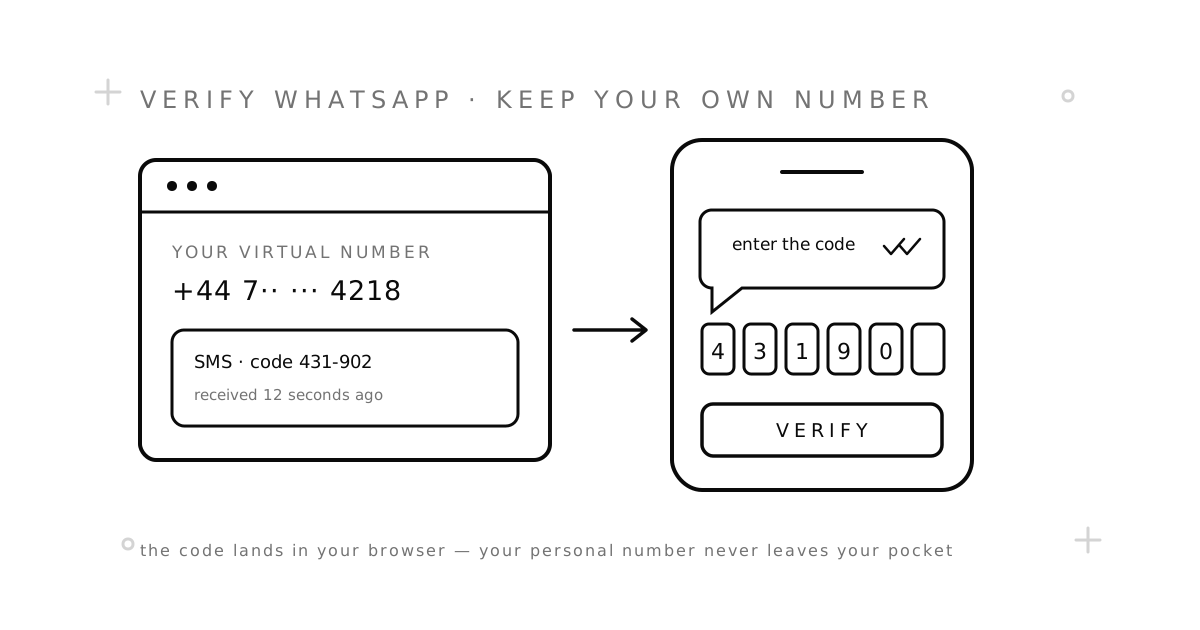
- Wait for the code. Telegram sends an SMS within a minute or two. The message shows up in your SMSZ dashboard by itself — no need to refresh.
- Enter the code. Set your name, and your account is ready.
Do these three things right after signup
- Set a Two-Step Verification password (Settings → Privacy and Security). This is the most important step. With this password set, nobody can take your account with SMS access alone. It protects you if your number is ever given to someone else later.
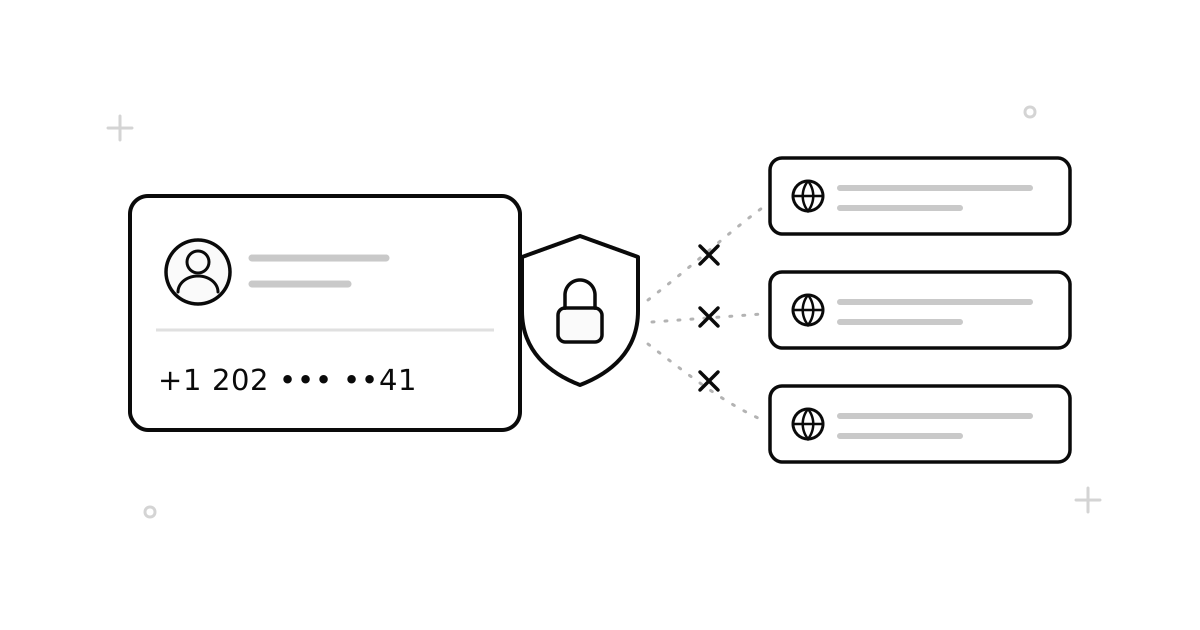
- Hide your phone number (Privacy → Phone Number → Nobody). By default, Telegram shows your number to your contacts.
- Set a username. People can then reach you by @username without ever seeing your number.
One-time number or rental?
A one-time number is enough to create the account. But Telegram sometimes asks for a new SMS code — usually when you log in on a new device. If you plan to keep the account for a long time, do one of these:
- Rent the number for a longer time, so future codes can still reach you. See one-time vs. rental numbers to compare.
- Stay logged in on at least one device. With the Two-Step password set, you will almost never need SMS again.
Common problems and fixes
The code never arrived
It happens. Some routes fail, and Telegram slows down some number ranges. If no SMS comes in time, the order is cancelled and your money returns to your balance by itself. Try a number from a different country — that fixes most cases.
Telegram says the number is banned
A few virtual numbers were used and banned by previous owners. You are not charged when a number cannot receive its code. Get a new number and try again, best from another country.
Telegram wants a phone call instead of SMS
This is rare, but it happens. One-time SMS numbers cannot take calls. If it keeps happening, try a different country — Telegram picks the method based on the number.
Questions about prices or refunds? The FAQ covers both, and support replies within a day.