Why You Should Not Give Every Website Your Real Phone Number
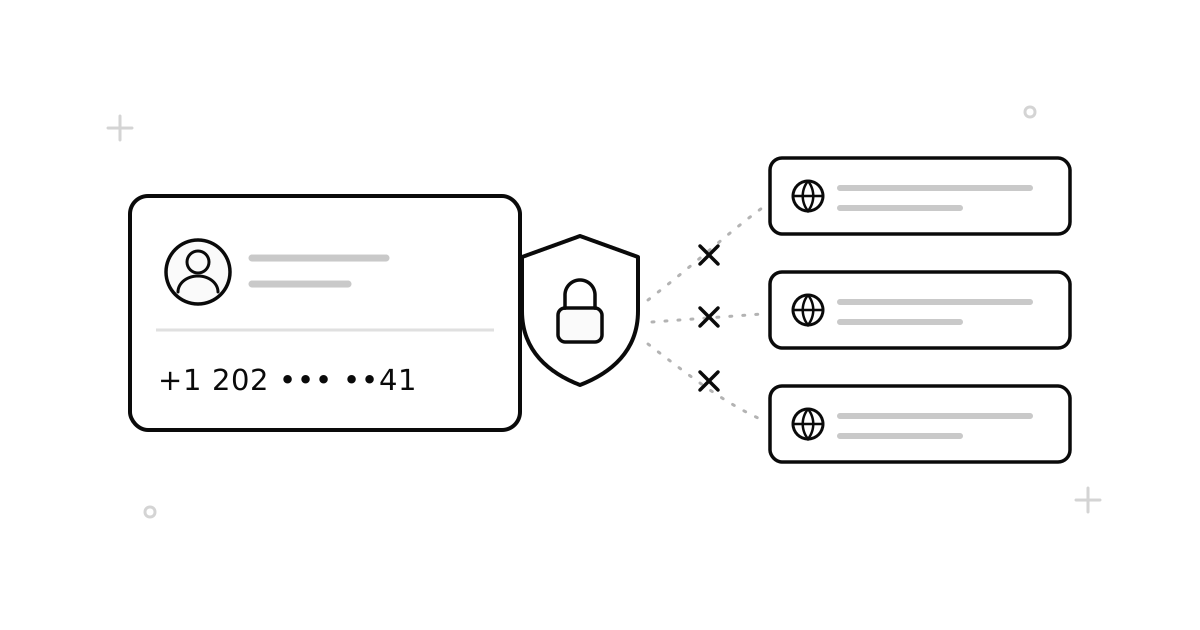
Your phone number says more about you than almost anything else you share online. You will change your email, your usernames, and your devices many times. But most people keep one phone number for ten years or more. Every website you give it to gets a key that connects your accounts — across companies, for years.
This is not a scary story. It is simply how the data business works. Here is what really happens to your number after you type it into a signup form — and an easy rule for deciding when to give out your real one.
What your number gives away
- It connects your accounts. Data companies use phone numbers to match people across websites. Two accounts with the same number look like the same person — because they are.
- It can be searched. Lookup tools turn a number into a name, a city, and often social profiles. Anyone you meet on a marketplace can do this in thirty seconds.
- It leaks in breaches. Websites get hacked all the time. Leaked numbers feed spam and scam calls for years. And unlike a password, you cannot just change your number after a leak.
- It can be stolen. In a “SIM swap,” an attacker tricks your carrier into moving your number to their SIM. Then they receive your SMS — including login codes. The fewer places that know your real number, the smaller this risk.
An easy rule: two levels of trust
Every time something asks for your number, put it in one of two groups:
| Group | Examples | What to use |
|---|---|---|
| Must always reach you | Bank, government, main email, work accounts | Your real number, always |
| Everything else | Social apps, marketplaces, newsletters, free trials | A temporary number |
The first group will send you codes for years, so it needs a number you will always own. The second group only wants to check that you are a real person. It does not need to know which real person — and it does not need a way to reach you forever.
Small habits that add up
- Use an authenticator app instead of SMS codes where you can. SMS login codes on your real number are better than nothing, but they are exactly what SIM-swap attacks target.
- Use a fresh number for each throwaway signup. If you reuse one “junk” number everywhere, that number becomes a tracking key too.
- Check who already has your real number. Most apps let you change or remove your number in settings. Ten minutes of cleanup makes a real difference.
- Never post your real number in public — not in marketplace ads, forum posts, or an online CV. Use a temporary or second number as your public contact.
What a temporary number does not fix
To be fully honest: a temporary number is one layer of protection, not a magic cloak. It does not hide your IP address, your email, your payments, or your browser fingerprint. If an app bans virtual numbers and the account matters to you, respect that rule. And as we said above — never put important accounts on a number you will not keep.
Want to try the two-level rule? Here is how the service works — numbers from 100+ countries, pay per use.