How to Verify WhatsApp With a Virtual Number (2026 Guide)
WhatsApp will not let you past the first screen without a phone number. There is no email signup, no username option — a number, or nothing. So if you want a second account, a number for a side business, or simply do not want every group chat to reveal your personal line, a virtual number is the way in.
WhatsApp is stricter than most apps about which numbers it accepts, so this guide is the honest version: the steps that work, the country choice that matters more than people think, the settings to fix in the first five minutes, and what to do when the code does not arrive.
Before you start
- A number that can receive SMS. Buy one on the WhatsApp page, or pick any country you want the number to come from.
- A device WhatsApp will install on. A phone, or WhatsApp Web linked to one. You do not need a SIM in the phone to register a number that is not the SIM’s.
- Two minutes of attention. Verification codes expire. Start the signup only when you can finish it.
One expectation to set now: WhatsApp rejects some virtual number ranges. Most attempts go through, but no provider can promise every number will be accepted every time. On SMSZ you are not charged when no code arrives, so a rejected attempt costs you nothing but a minute.
Step by step
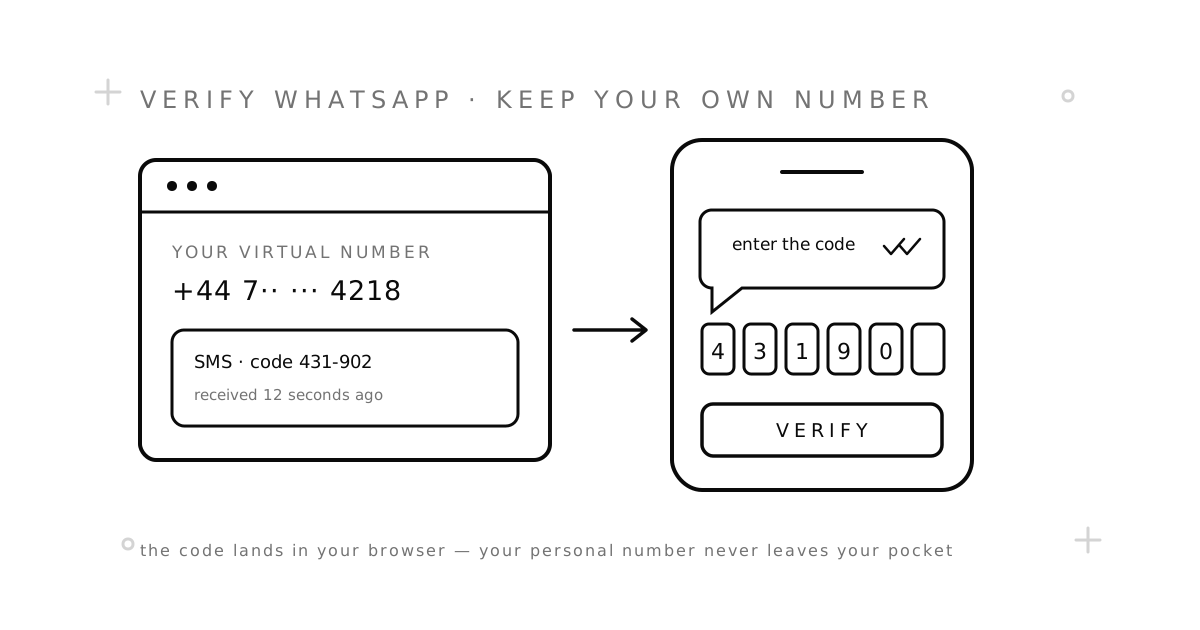
- Buy a number for WhatsApp. On the WhatsApp page, choose a country and order. The number appears in your dashboard right away, with the price shown before you confirm.
- Open WhatsApp and start registration. Choose the same country in WhatsApp’s country list, then type the number exactly as your dashboard shows it — without the country code, since WhatsApp adds that itself.
- Choose SMS, not the voice call. This matters. A receive-SMS number cannot answer a phone call, so “call me” will never deliver a code. Always take the SMS option.
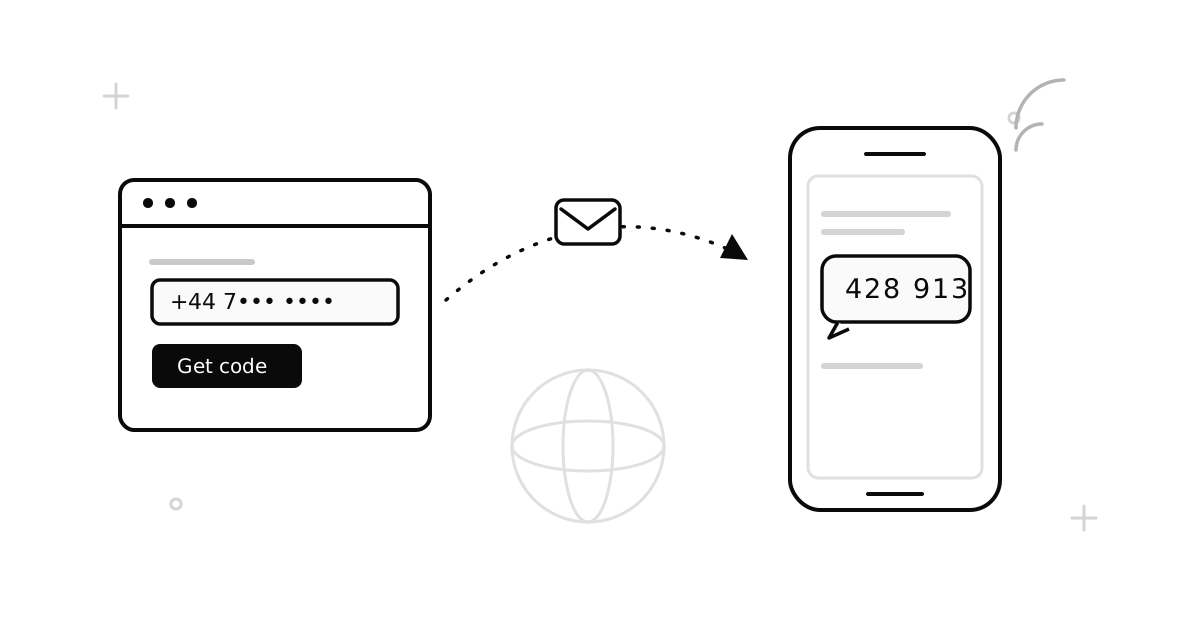
- Wait for the code. It usually lands in your dashboard within a minute or two. The page updates on its own — no refreshing needed.
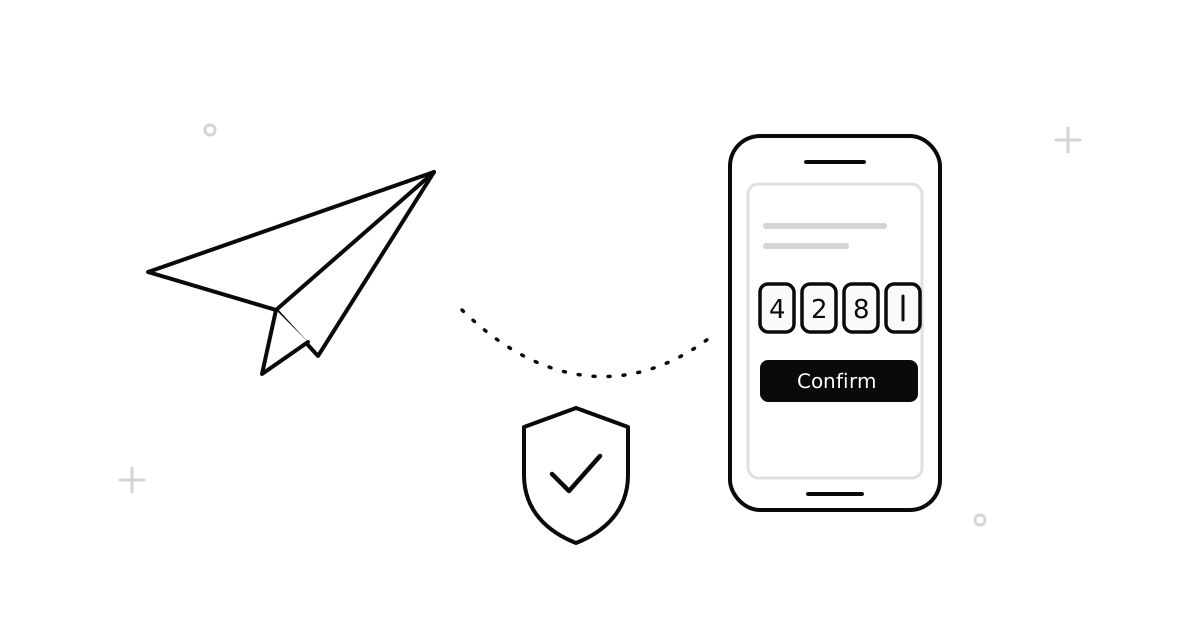
- Type the 6-digit code into WhatsApp. Set a display name and, if you want one, a profile photo.
- Do the five-minute setup below. Skipping it is the mistake that costs people their account later.
Which country should you pick?
The country decides two things: the price and the odds of acceptance. There is no single “best” country, and any site that gives you one is guessing. Three practical rules:
- Match your real location if it matters. A number from the country you actually live in looks ordinary to the people you message, and stays usable if you later add it to a business profile.
- Cheaper is not worse — until it is. Low-priced countries are low-priced because demand is lower there, not because the numbers are broken. But the most heavily used ranges are also the ones apps scrutinise most.
- If one country fails twice, switch. Do not keep retrying the same range. Another country almost always fixes it, and a failed attempt is refunded automatically under our refund policy.
The first five minutes after signup
A WhatsApp account is tied to a number, and a temporary number is by definition something you give back. That sounds alarming, but it is manageable — as long as you do four things straight away.
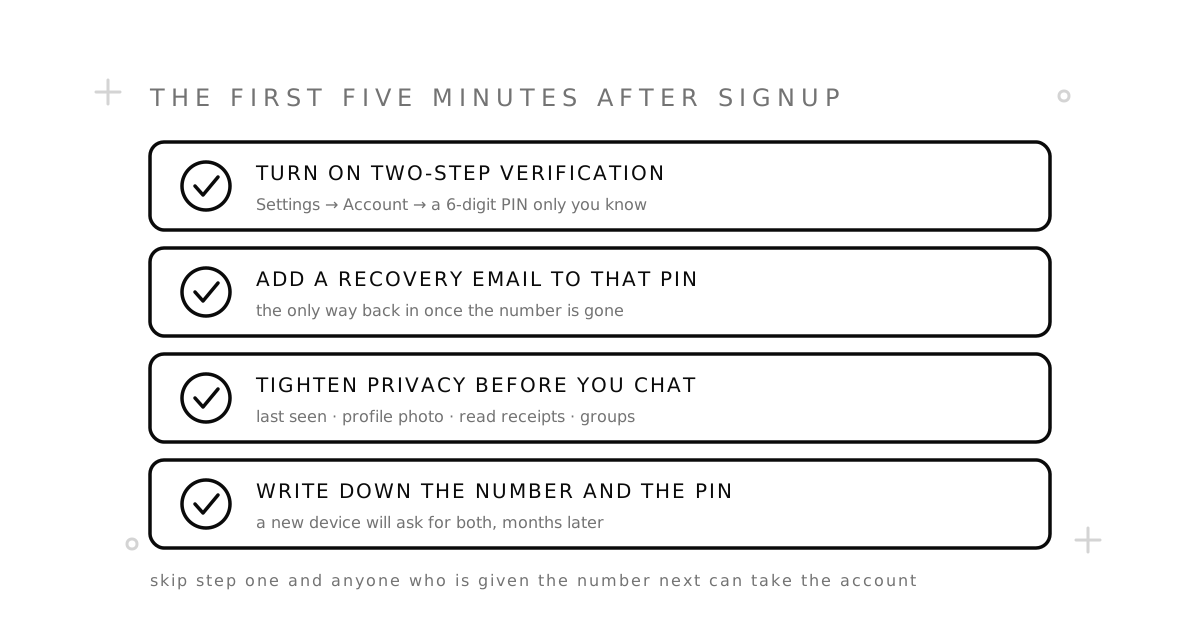
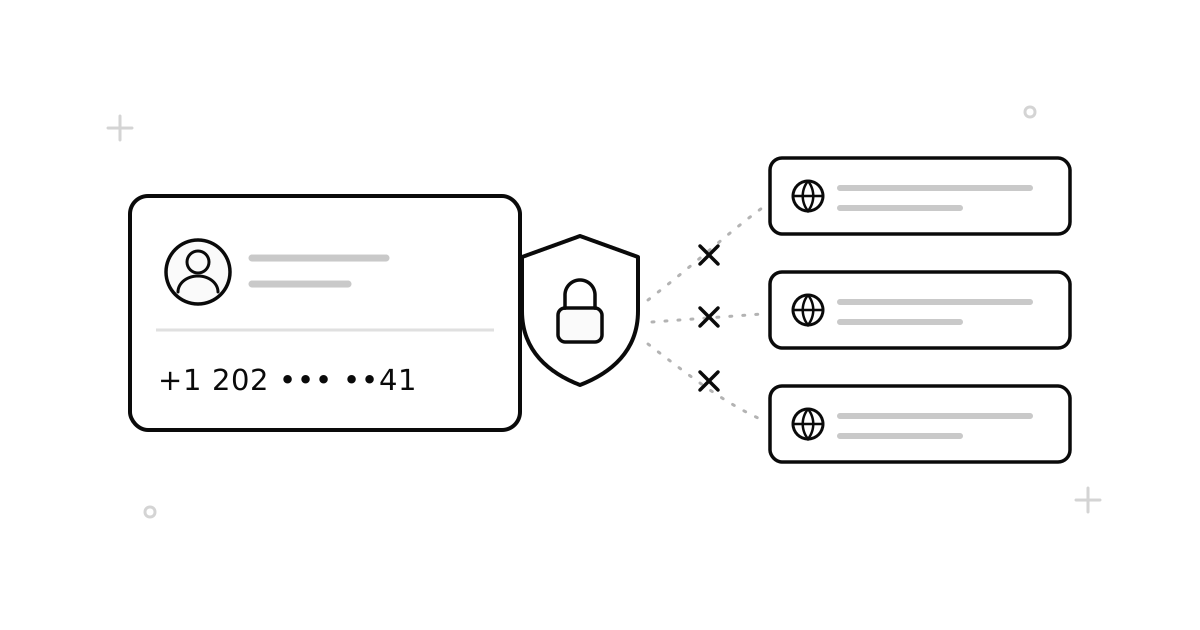
- Turn on two-step verification. Settings → Account → Two-step verification. This sets a 6-digit PIN that WhatsApp asks for when the number is registered again. It is the single control that stops whoever gets the number after you from walking into your account.
- Add a recovery email to that PIN. WhatsApp offers this on the same screen. Without it, forgetting the PIN can mean waiting days — with no SMS you can receive, since the number is gone.
- Tighten privacy before you chat. Settings → Privacy: decide who sees your last seen, profile photo, and about text, and who can add you to groups. Defaults are generous; a new number is the perfect moment to change them.
- Write down the number and the PIN. Put both in your password manager. A new phone, six months from now, will ask for exactly these two things.
One-time number or rental?
For a single WhatsApp signup, a one-time number does the job and costs the least. But WhatsApp re-verifies when you install it on a new device — and if the number is long gone, that code has nowhere to arrive.
So: use a one-time number for a throwaway or short-lived account, and a rental number when the account has to survive a phone upgrade. For an account you truly cannot lose — the one your family and your customers reach you on — a real SIM is still the right home. Our virtual number vs. second SIM comparison covers where that line sits.
When the code does not arrive
Work through these in order. Most cases are fixed by the first three.
- Give it two full minutes. Delivery to some routes is slow at peak times. Do not spam the resend button — repeated requests can trigger a cooldown.
- Check the number you typed. The most common failure is a country code typed twice, or a leading zero that should have been dropped.
- Never take the “call me” option. An SMS number cannot answer a call. If you already requested a call, wait out the timer and request an SMS instead.
- “Too many attempts, try again later.” That is WhatsApp rate-limiting the number, not a fault on the number itself. Waiting is the only fix — usually minutes to a few hours. If you would rather not wait, start over with a fresh number from a different country.
- “This number is already registered.” Someone used it before you. Release it and order another; do not try to take over an account that is not yours.
- Still nothing? The order cancels itself and your balance comes back automatically. Try another country — that is what fixes most stubborn cases.
The honest limits
A virtual number is a good tool for WhatsApp, not a magic one. Three things are worth saying plainly:
- You do not own the number forever. When it goes back into the pool, your account keeps working on the device it is installed on — but re-verification later depends on the PIN you set today.
- Some ranges are blocked. WhatsApp is one of the stricter platforms. Expect to try a second country occasionally.
- It is not a way around a ban. If an account was banned, a new number is not a workaround — it breaks WhatsApp’s rules and ours.
Common questions
Does WhatsApp accept virtual numbers?
Often, yes — WhatsApp checks the line behind the number rather than how you bought it. Mobile-network numbers behave like any other phone number; ranges it recognises as internet-only are frequently rejected. Our VoIP vs. non-VoIP guide explains how that check works.
Can I use a free public number for WhatsApp?
You can try, but it is a bad idea for an account you intend to keep. Everyone can read a public number’s inbox, so anyone can request a code and take the account. Free numbers are for testing whether an app sends SMS at all — nothing more.
Can I use the same number for WhatsApp and Telegram?
Yes, if the number is still yours when the second app asks — which in practice means a rental. A one-time number is released after the first code, so it will not be there for the second signup. See our Telegram guide for that flow.
Will my contacts see the virtual number?
Yes. WhatsApp shows your registered number to people you chat with, exactly as it would show a SIM number. That is the point: they see a number that is not your personal one.
Can I move a WhatsApp account to a different number later?
Yes — WhatsApp has a “change number” feature that migrates your account and can notify your contacts. Do it while you still control the old number and while you can receive a code on the new one.
Ready to try it? Get a number on the WhatsApp page, or read how SMSZ works first.