How to Create a Gmail Account Without a Phone Number (2026)
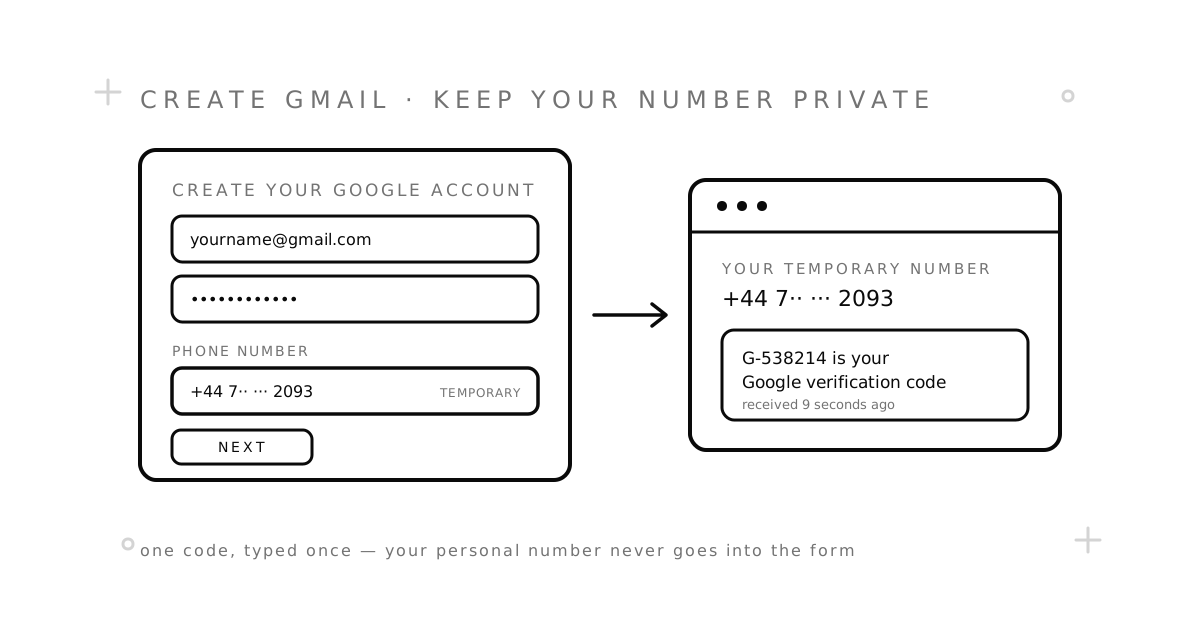
Short answer: yes, you can create a Gmail account without a phone number. Google does not ask everyone. Whether the phone step appears depends on where you sign up from, which device you use, and how many accounts Google has already seen from your connection. When it does appear, you can often skip it — and when you cannot, a temporary number takes the one code Google wants, so your personal number never goes into the form.
This guide walks through the four ways that actually work, in the order to try them. It also covers what Google is really checking, what to do the minute the account exists, and how to fix the “this phone number cannot be used for verification” error.
Why Google asks for a phone number
Google uses the phone step for two different things, and it helps to keep them apart:
- A one-time check during signup. Google texts a code to prove a real person is on the other end. It does this more often when a connection looks busy — shared Wi-Fi, a VPN, a data-centre IP, or several new accounts from the same browser in a short time.
- A recovery number for later. Separately, Google offers to keep a number on the account so it can text you if you lose your password. This one is always optional, and you can remove it any time.
The first check is the one that blocks people. The second is a choice. Most guides blur the two, which is why people end up thinking Gmail requires a phone number. It requires a code, sometimes. It never requires your number.
Method 1: Sign up on desktop and look for “Skip”
- Open a private or incognito window and go to the Gmail sign-up page. A fresh window matters: Google sees fewer signals from it.
- Enter your name, a username, and a password.
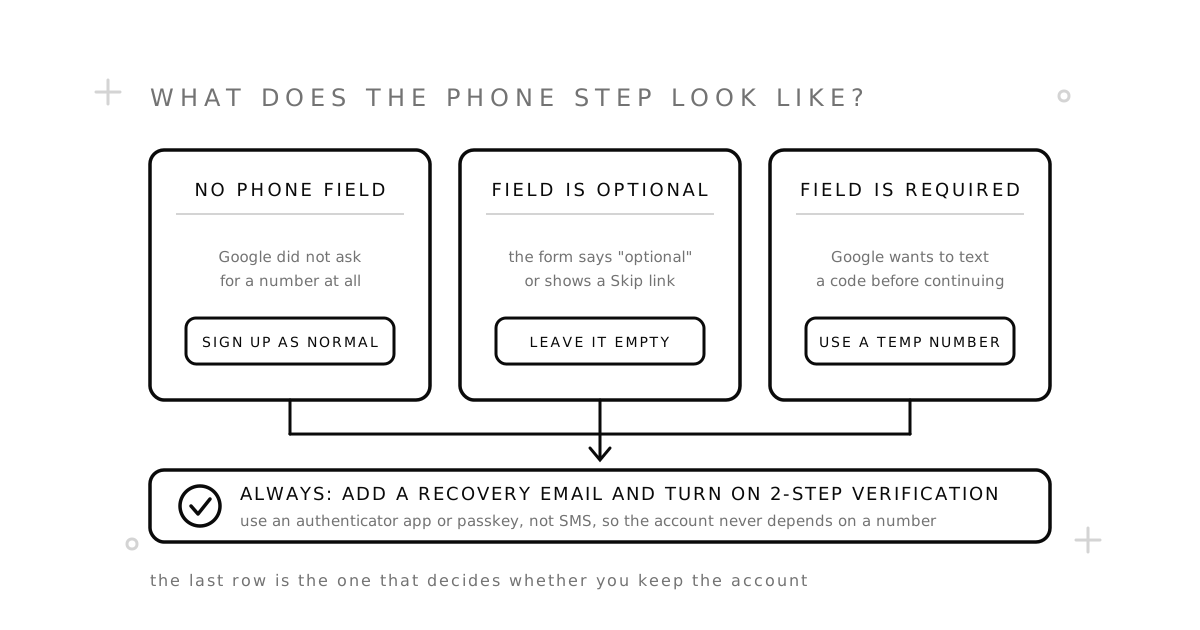
- On the next screen, look at the phone field. If it says optional, or there is a Skip link under it, leave it empty and continue.
- Add a recovery email when Google asks. That is your safety net, and it costs nothing.
If the field is marked required and there is no way past it, do not keep refreshing — each retry makes your connection look busier. Move on to the next method.
Method 2: Sign up from the Gmail app on your phone
The account creation flow inside the Gmail app on Android and iPhone often does not show a phone field at all, because Google already trusts the device you are holding.
- Open the Gmail app and tap your profile picture in the top-right corner.
- Tap Add another account, then Google.
- Choose Create account and fill in your details.
- If a phone screen appears, check for Skip before typing anything.
This works on a phone with no SIM card too. Google is checking the device, not the mobile line.
Method 3: Use a temporary number for the code
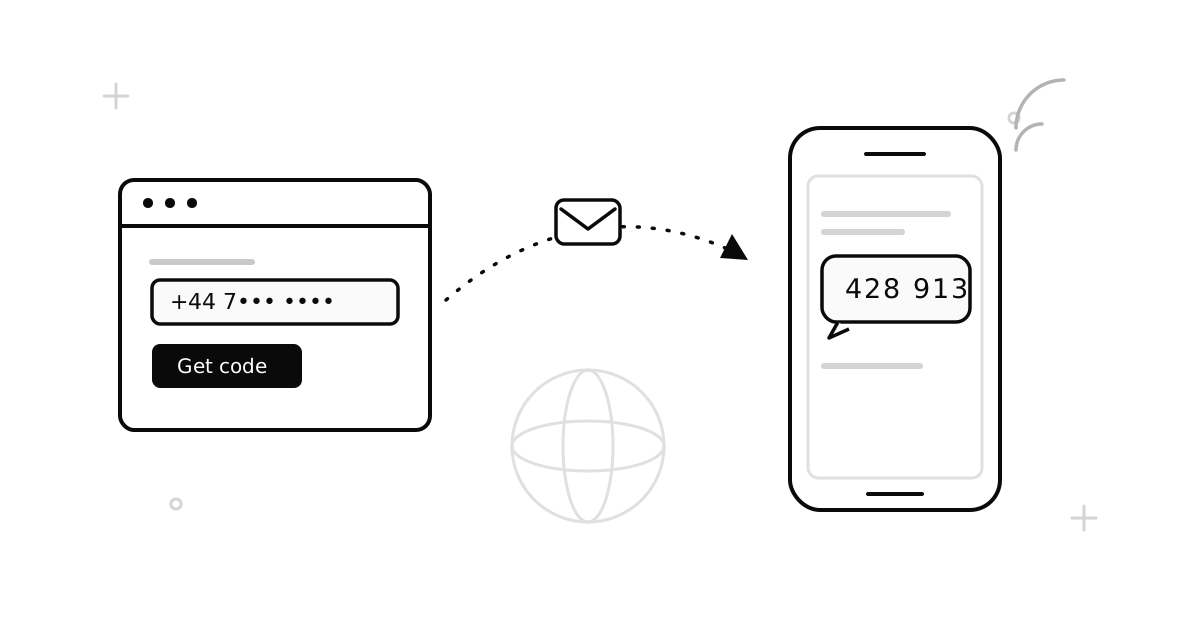
When Google insists on texting a code, give it a number that is not yours. A temporary number receives that one SMS in your browser, and you never hand over the number you actually use. Here is the exact flow on SMSZ:
- Get a number for Google. On the Google page, pick a country and order. The number shows up in your dashboard immediately, with the price shown before you confirm.
- Type it into Google’s phone field. Choose the same country in Google’s country picker, then enter the number without the country code — Google adds that itself.
- Choose the text message option. If Google offers a voice call instead, decline it. A receive-SMS number cannot answer calls.
- Wait for the code. It usually lands within a minute. Google codes look like G-538214. The dashboard updates on its own.
- Enter the code and finish signup. If Google then asks whether to keep the number for recovery, say no — the number goes back into the pool after your code, so it is useless as a recovery contact.
You pay only when the code arrives. If Google rejects the number or nothing comes through, the order cancels itself and your balance is returned under our refund policy. Our temporary phone number guide explains what is happening behind the scenes.
Method 4: Pick an email provider that does not ask
If what you really want is an email address, not Gmail specifically, some providers never ask for a phone number. Proton Mail and Tuta both let you sign up with a captcha or a spare email address instead of a phone. The trade-off is that you leave the Google ecosystem: no Google Drive, no Play Store, no YouTube channel under that identity. For a mailbox that just needs to receive mail, that trade-off is often fine.
Do this before you log out
An account created without a phone number is only fragile if you leave it that way. Three settings make it as safe as any other Google account, and they take about five minutes.
- Add a recovery email. Google Account → Security → Recovery email. This is how you get back in if you forget the password, and it works without any phone at all.
- Turn on 2-Step Verification with an app, not SMS. Security → 2-Step Verification. Choose Google Authenticator, another authenticator app, or a passkey. Skip the “text message” option, because you do not want the account to depend on any number.
- Save the backup codes. On the same screen Google offers a set of one-time backup codes. Put them in your password manager. They are what saves you when a phone is lost or reset.
“This phone number cannot be used for verification”
Google shows this message for a few different reasons. Work through them in order, or see our full guide to this error for all six fixes:
- Google thinks the number is internet-based. Google rejects most VoIP ranges outright. Numbers on real mobile networks pass this check; app-based numbers usually do not. Our VoIP vs. non-VoIP guide explains how the check works.
- The number has been used for too many accounts. Google caps how many accounts one number can verify. It does not publish the figure, but it is small. If you hit this, the fix is simply a different number.
- The country does not match. Make sure the country you picked in Google’s dropdown matches the number’s country, and that you have not typed the country code twice.
- Too many attempts from your connection. If several tries have failed in a row, Google may block the next ones regardless of the number. Wait a few hours, switch off any VPN, and try in a fresh browser session.
- Still blocked? Order a number from a different country. That fixes most stubborn cases, and a failed attempt costs nothing.
The honest limits
- Google may ask to verify again. A sign-in from a new device or an unusual location can trigger a fresh check. With a recovery email and an authenticator app in place, you pass it without any phone. Without them, a one-time number that has already been released cannot help you.
- Some Google services still want a number. Google Voice, some YouTube features, and certain Play Console actions ask for a phone separately. Creating the account is one thing; every feature inside it is another.
- Free public numbers are a bad idea here. Anyone can read a public number’s inbox, and those numbers have usually been used for Google many times already. Fine for testing whether Google sends a text at all; wrong for an account you want to keep.
Common questions
Does Gmail require a phone number?
Not always. Google asks for a verification code when a signup looks risky, and it offers a recovery number to everyone. The recovery number is optional. The verification code, when Google asks for it, can go to any number that receives SMS.
Can I remove my phone number from Gmail later?
Yes. Google Account → Personal info → Phone lets you delete it. Add a recovery email and an authenticator app first, so removing the number does not leave the account without a way back in.
Is it safe to use a temporary number for Gmail?
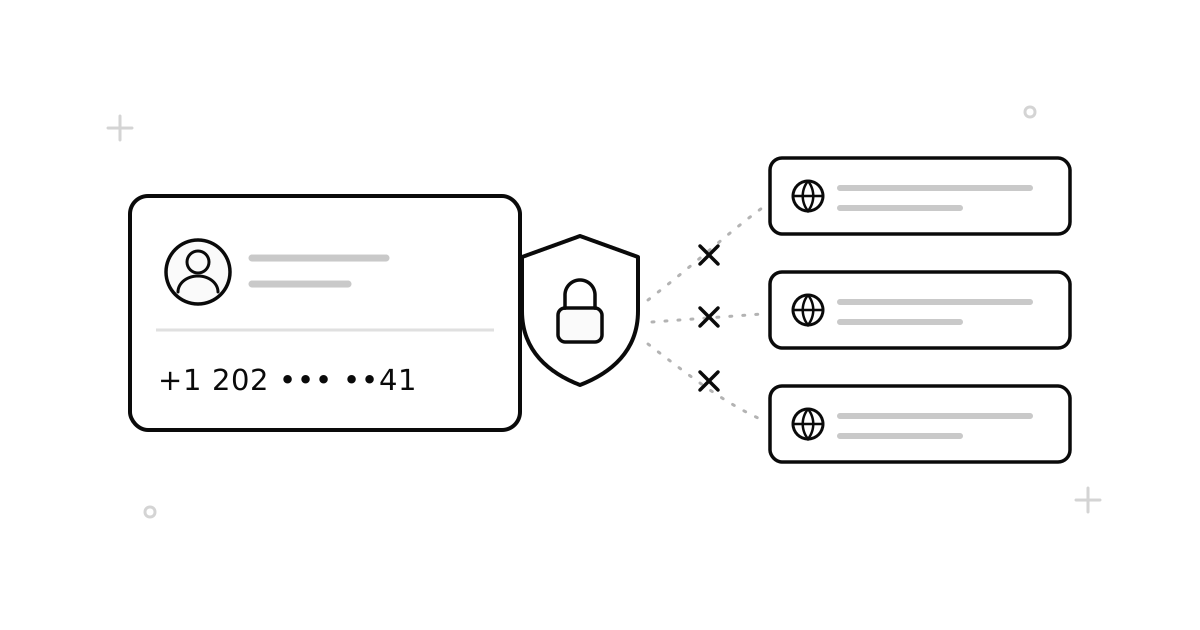
For the one-time code, yes — as long as you do not also set it as the recovery number. The number is released after your code and later given to someone else, so anything tied to it long-term would be at risk. Keep recovery on email and an authenticator app instead.
How many Gmail accounts can one phone number verify?
Google does not publish the limit, and it changes. In practice it is a handful. If a number is refused for this reason, another number is the only fix.
Can I use the same temporary number for Gmail and another app?
Only if the number is still yours when the second app asks, which means a rental rather than a one-time number. A one-time number is released after the first code arrives. Our Telegram and WhatsApp guides cover those flows.
Will Google delete an account created without a phone number?
No. Google removes accounts for inactivity or for breaking its rules, not for skipping the phone step. Log in now and then and keep your recovery email current.
Ready to try it? Get a number on the Google page, or read how SMSZ works first.